VPAT Draft Desk
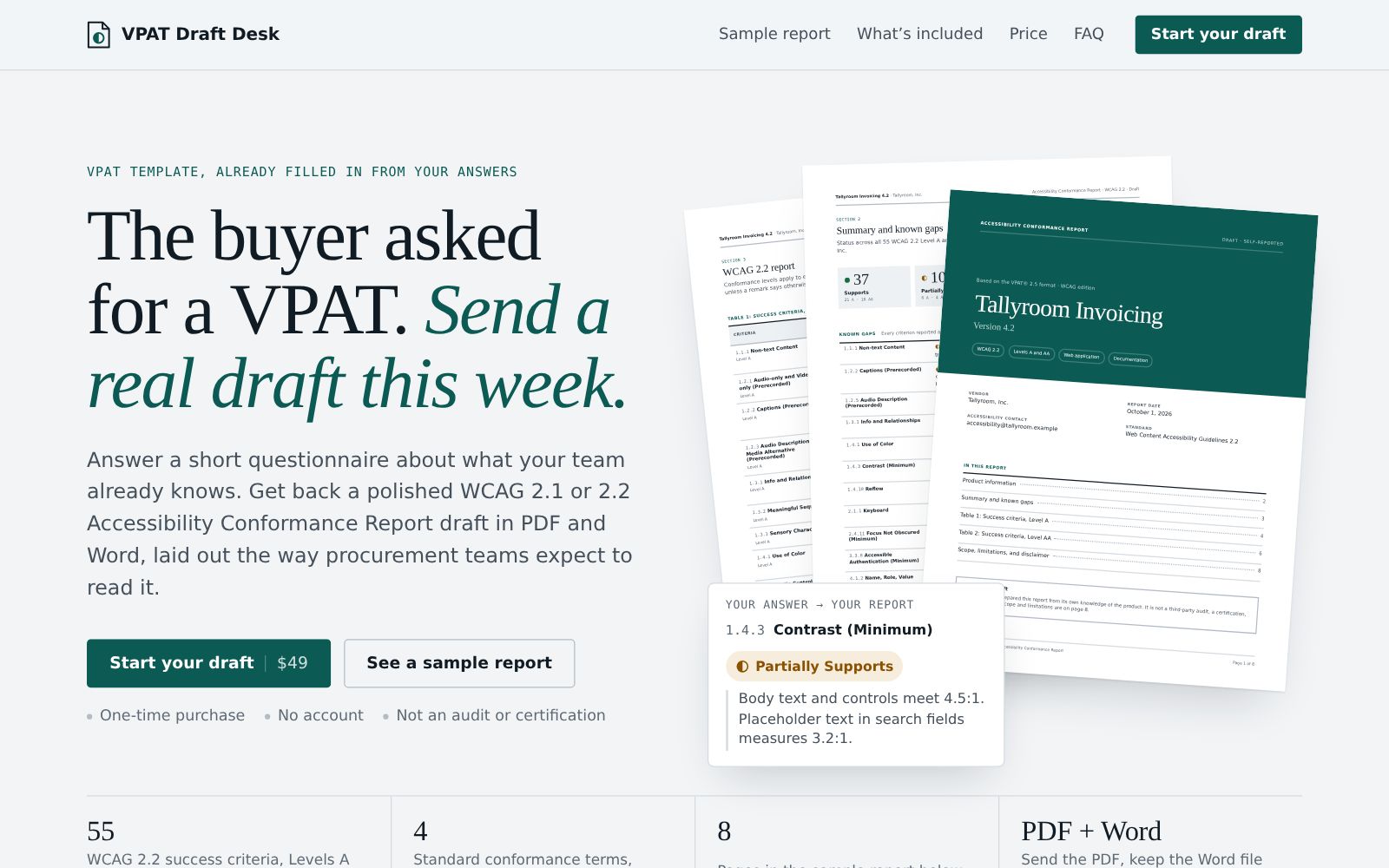
“The buyer asked for a VPAT. Send a real draft this week.”
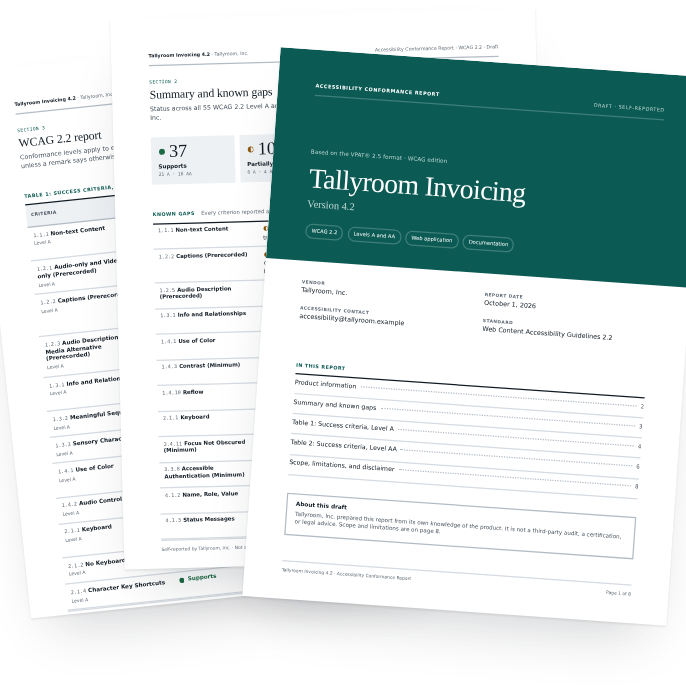
Answer a short questionnaire about what your team already knows and get a polished accessibility report draft, laid out the way procurement teams expect to read it.
55WCAG 2.2 success criteria, Levels A and AA
8Pages in a typical report
PDF + WordSend the PDF, keep the Word file
0Accounts to create
What's in the report
p. 1–2
Cover and product detailsProduct, version, report date, contact, and how you evaluated it.
p. 3
Summary and known gapsStatus counts and every partial or unsupported item on one page.
p. 4–7
WCAG Level A and AA tablesEvery success criterion with its conformance level and your remarks.
p. 8
Scope and limitationsHow the report was prepared, and what it is not.
How it works
- 1Describe the productName, version, vendor, contact, and which platforms are in scope.
- 2Pick the standardWCAG 2.2 or 2.1, Level AA. Mark what doesn't apply, like video.
- 3Answer each criterionChoose a conformance level and add short remarks in your own words.
- 4Get your filesPay once. Download the PDF and Word file, with a copy by email.
On the VPAT Draft Desk site
Good to know
Do you test my product?
No. Every conformance level and remark comes from your answers, and the report says so.
Is this the official VPAT?
It follows the structure of the VPAT 2.5 WCAG edition, which most buyers expect. It isn't affiliated with ITI.
What if we haven't checked some criteria?
All questions on the VPAT Draft Desk site ↗Leave them unanswered. They print as “Not Yet Evaluated”, so no one mistakes a gap for a claim.